

Skies
A scene’s sky is part of its environment: what you see behind everything, and light from every direction that the scene’s surfaces pick up. A new scene starts with a procedural sky, a gradient from horizon to zenith that needs no image. To use an image instead, give the scene a sky texture.
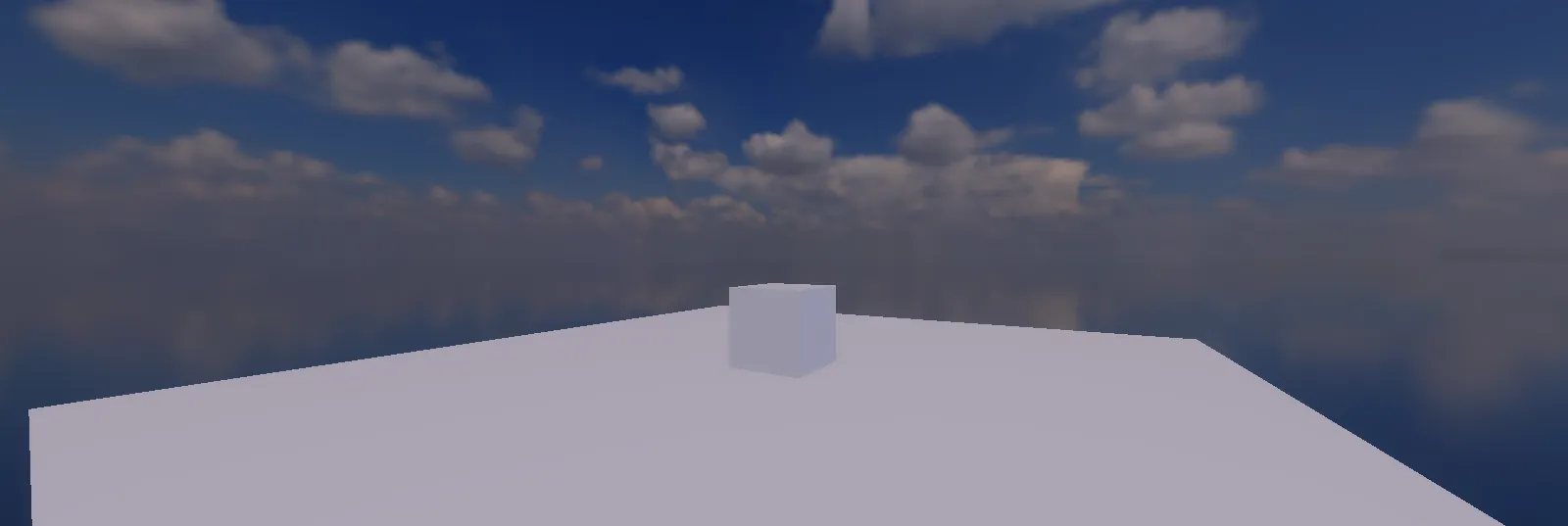
Use the starter sky
Section titled “Use the starter sky”A new project includes one sky image, Sky in the Assets panel’s Environment group: a partly cloudy midday sky from Poly Haven (CC0), at 1024 by 512.
- Open the scene, and in the inspector choose the Scene tab.
- Under Environment, set Sky Mode to
HDREquirect. - Set Sky Texture to Sky.
The Sky Intensity and Sky Rotation settings beside them brighten the sky and turn it about the vertical axis.
Import your own
Section titled “Import your own”Two kinds of image make a sky. Import either with Import… in the Assets panel’s right-click menu, or drag the file onto the editor (see Importing your own files).
A panorama (equirectangular)
Section titled “A panorama (equirectangular)”One image covering every direction, twice as wide as it is tall. Most sky downloads come this way, and Poly Haven’s skies are free to use.
- An
.hdrfile imports as a sky by itself. HDR keeps the sky’s full brightness, so it lights the scene as well as filling the background. Use Sky ModeHDREquirect. - A PNG or JPG panorama imports as an ordinary texture first: open it from the Assets panel and choose the Equirect Sky profile. Then use it as above.
A cubemap
Section titled “A cubemap”Six square images, one per side of a cube. Put the six files in one folder, named by a common pattern, and import any one of them: the other five are found by name, and the six become one sky texture. The patterns recognised are:
| +X | -X | +Y | -Y | +Z | -Z |
|---|---|---|---|---|---|
px |
nx |
py |
ny |
pz |
nz |
_posx |
_negx |
_posy |
_negy |
_posz |
_negz |
right |
left |
top |
bottom |
front |
back |
The name before the pattern is shared by all six, for example sky_px.png, sky_nx.png and so
on, or px.png alone (the px and right patterns may follow an underscore or not; _posx
always does). All six must be square and the same size. Use Sky Mode Cubemap.
A sky image is usually large, and its size is what a player downloads with the game: 1024 by 512 is often enough for a background, and 2048 by 1024 for a sharper one.